


Manage
We follow changes in the transport law to give you a tool that will allow you to easily manage the driver's working time in your company.
20 control institutions | 8000 clients | 26 languages



Tachospeed is an effective way to gain competitive advantages
- Average reduction of penalties by 67%
- Loss in accidents decreased by 72%
- Driver hours analysis savings (6 hours per week per driver)

Tachospeed is always one step ahead
- 100% of compliance with Regulation 561/2006
- 100% of accuracy in driver hours analysis
- increased efficiency and simplicity in the drivers’ hours analysis
- full compliance with Working Time Directive

Tachospeed is used by the Law Enforcements from many European countries
In particular by Police, Road Transport Inspections, Customs Chambers, Border Guards and Labour Inspections.
Discover our products


Driving time management for transport companies
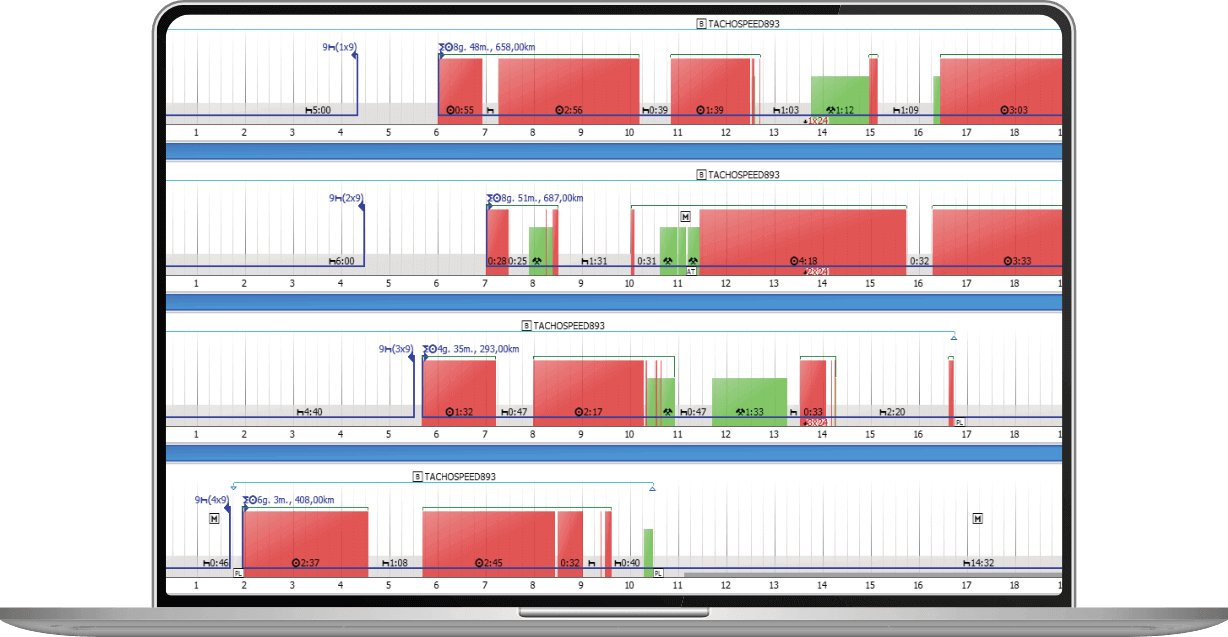
For more than 15 years, Tachospeed has been the most professional software in Europe for automatically reading drive time, rest periods, breaks and periods of activities from analog tachograph charts and driver cards and digital tachograph (also selected GPS data).
It includes a number of functionalities and reports, including the control report (Regulation 561/2006, AETR Agreement), which detects infringements and calculates corresponding penalties according to domestic regulations in 25 different countries.
Thanks to its reliability, Tachospeed is used in Europe by more than 7,000 transport companies and drivers and by 20 control authorities, including Police, Road Transport Inspection.
Why Tachospeed?
- Save time – automate the accounting of drivers’ working hours in your company.
- Save money – increase the efficiency of your employees and control the costs of your business.
- Technical support – take advantage of the experience and knowledge of experts who have been working in the transport industry for years.
- Compliance with regulations – we constantly monitor and implement legal changes to the software so that you always have access to reports that comply with applicable regulations.
Don’t risk it! Be aware of possible penalties!
Functionality:
- read digital files from driver cards and tachographs (including tachographs 4.0)
- image processing of the charts for the activity
- ability to view driver data using interactive tools
- RTD inspection report
- 561 certificates
- reminders for drivers about committed offences
- monitoring upcoming deadlines
- a set of reports for drivers and vehicles (m.in. vehicle mileage report, unassigned period report and others)
- additional Control module (advanced control reports, potential manipulation module, ability to edit driver and vehicle data using interactive tools)


Best solution for Control Authorities
Tachospeed Control is designed for authorities to monitor the working hours of drivers for compliance with Regulation 561, AETR. More than 1500 inspectors and police officers use it in Europe. The system complies with the European Commission, TRACE and CORTE guidelines. It includes a number of functionalities and reports, including the control which detects infringements and calculates corresponding penalties according to domestic regulations in 25 different countries.
Data reading, analysis and protocol in 5 minutes!
Functionality:
- read digital files from driver cards and tachographs (including tachographs 4.0)
- image processing of the charts for the activity
- ability to view and edit driver data using interactive tools
- advanced RTD inspection report
- potencial manipulation module
- a set of reports for drivers and vehicles (m.in. vehicle mileage report, unassigned period report and others)
- 3 ways to identify continuous driving violations
- protocol and decision of the inspection carried out
- ability to generate collective reports for multiple drivers


Best solution for Drivers
Tachospeed Driver allows to read and analyze data from the card of one driver and charts used by the same driver. There is no limit of number of trucks used by the driver. Thanks to Tachospeed Driver software, the driver can independently control his working time to avoid penalties for the driver of the vehicle during road control.
Check your working time and get on the road!
Functionality:
- read digital files from driver cards and tachographs (including tachographs 4.0)
- image processing of the charts for the activity
- ability to view driver data using interactive tools
- RTD inspection report
- 561 certificates
- monitoring upcoming deadlines
- a set of reports for drivers and vehicles (m.in. vehicle mileage report, unassigned period report and others)
- additional Control module (advanced control reports, potential manipulation module, ability to edit driver and vehicle data using interactive tools)


Best solution for Education
Tachospeed is the best tool for learning about the driver working time.
Tachospeed Edu, a special program for universities wishing to equip their logistics laboratories. We customise the functionality of our software in such a way that each university gets exactly the solution that it expects and needs. We also help equip academic laboratories with downloading devices (tachograph and driver card readers, scanners), tachographs and training cards. In addition, we provide the university with a digital tachograph simulator and organise professional training for lecturers.
Each of the universities participating in the Edu Tachospeed project has chosen Tachospeed as the best tool for learning and educating about driver working hours. This is a very big honor for us and gives us a solid dose of energy for the further development of our project. Thank you.
Functionality:
- read digital files from driver cards and tachographs (including tachographs 4.0)
- image processing of the charts for the activity
- ability to view driver data using interactive tools
- RTD inspection report
- 561 certificates
- reminders for drivers about committed offences
- monitoring upcoming deadlines
- a set of reports for drivers and vehicles (m.in. vehicle mileage report, unassigned period report and others)
- additional Control module (advanced control reports, potential manipulation module, ability to edit driver and vehicle data using interactive tools)
Why should you choose Tachospeed?
18 years of experience in the transportation industry
We are a team of experienced developers specializing in the transportation industry. We created Tachospeed to help others solve any driver time issues.
100% compatible with the mobility package
Our department of experts and lawyers makes every effort to ensure that the program always complies with current regulations. Tachospeed is fully prepared for the mobility package.
We serve the Police and Control Authorities in the EU
Tachospeed software is used by more than 7,000 transport companies and 20 European inspection authorities. Check out the tool that inspectors themselves use!
Data and reports.
Clear and transparent
We pay special attention to the readability of our solutions. We are committed to making all presented data understandable and the work as intuitive as possible for the user.
You pay only for what you use
Thanks to the program’s modular design, you can choose only the functionality you really need. Don’t overpay for things you don’t need.
Use locally or in a network version
Tachospeed has a multi-user version, so you’ll have access to all your data whether you’re working locally or on a network.
Tutorials and manuals
How to import digital file?
How to add charts?
How to add activities manually?
How to use interactive view?
Test for free for 30 days!
Under the care of the Technical Department you will be able to check the full functionality of our software. You are welcome to test it!
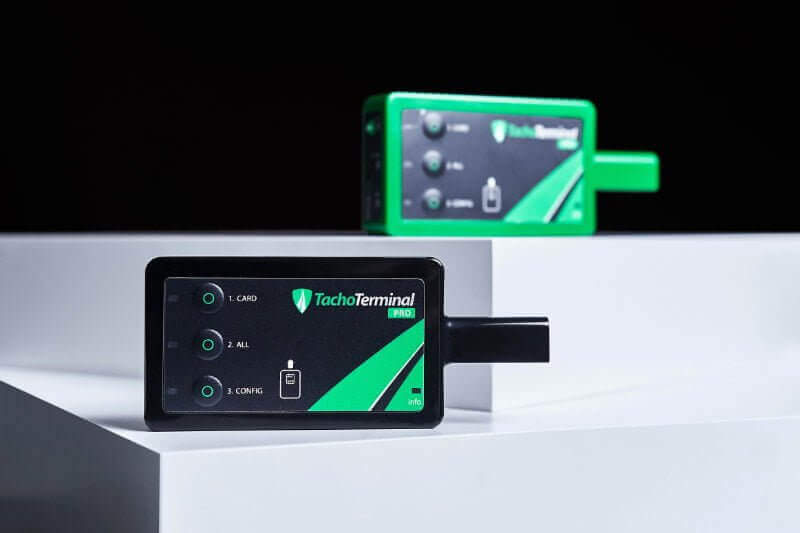
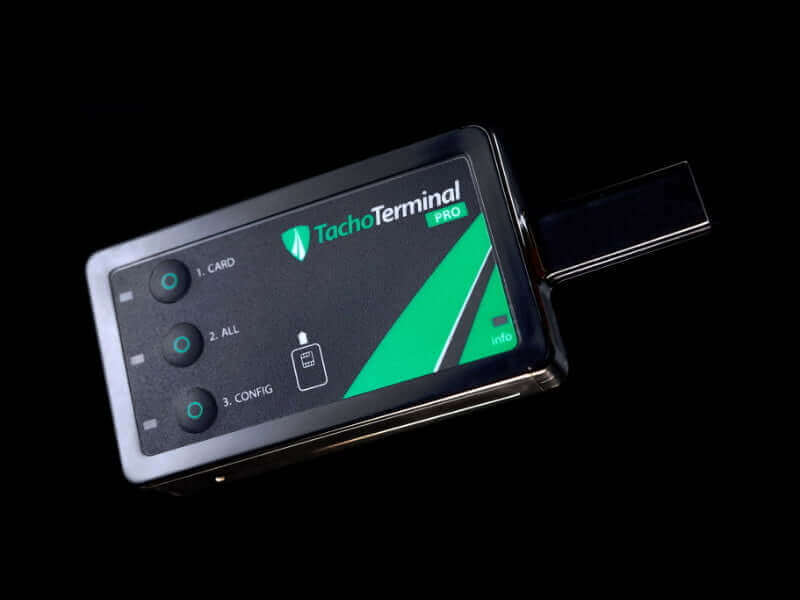
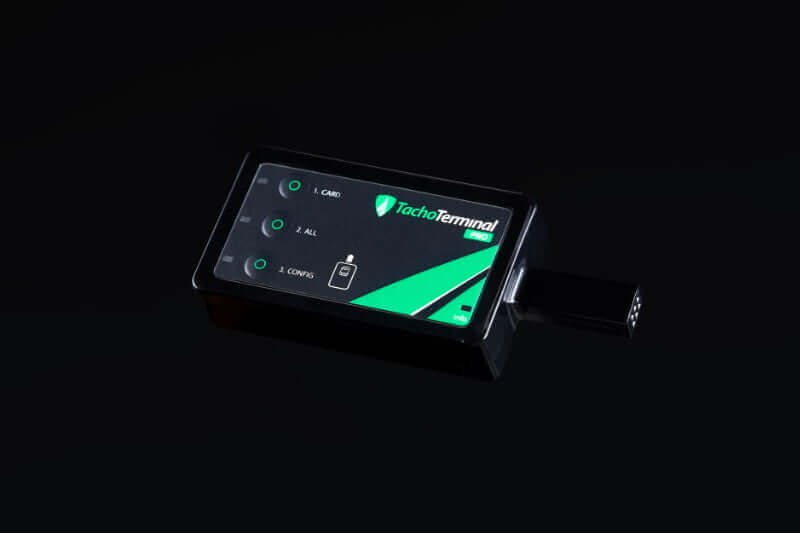
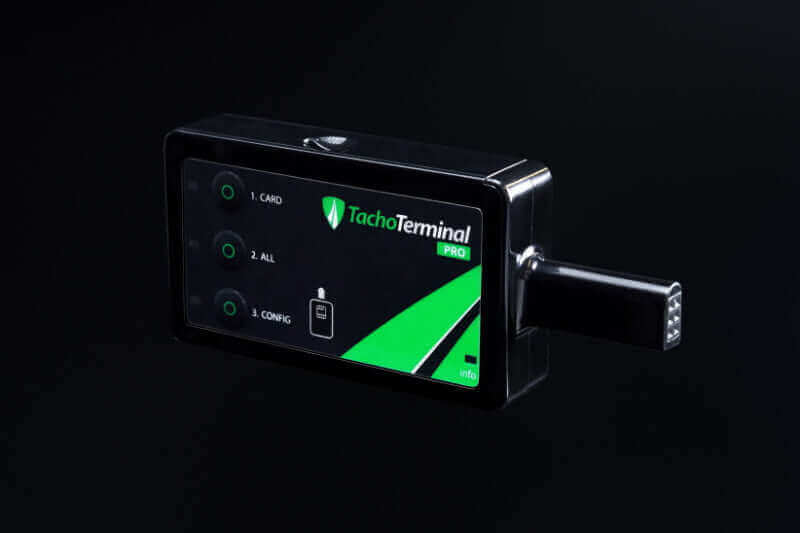
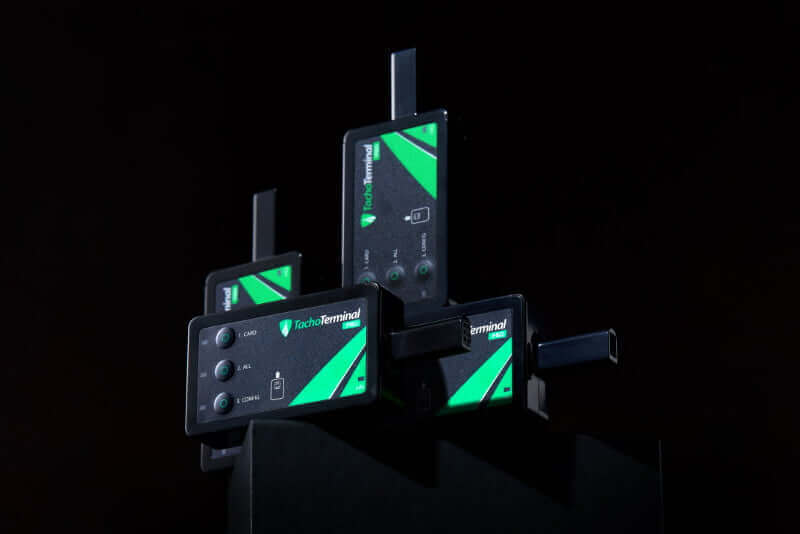
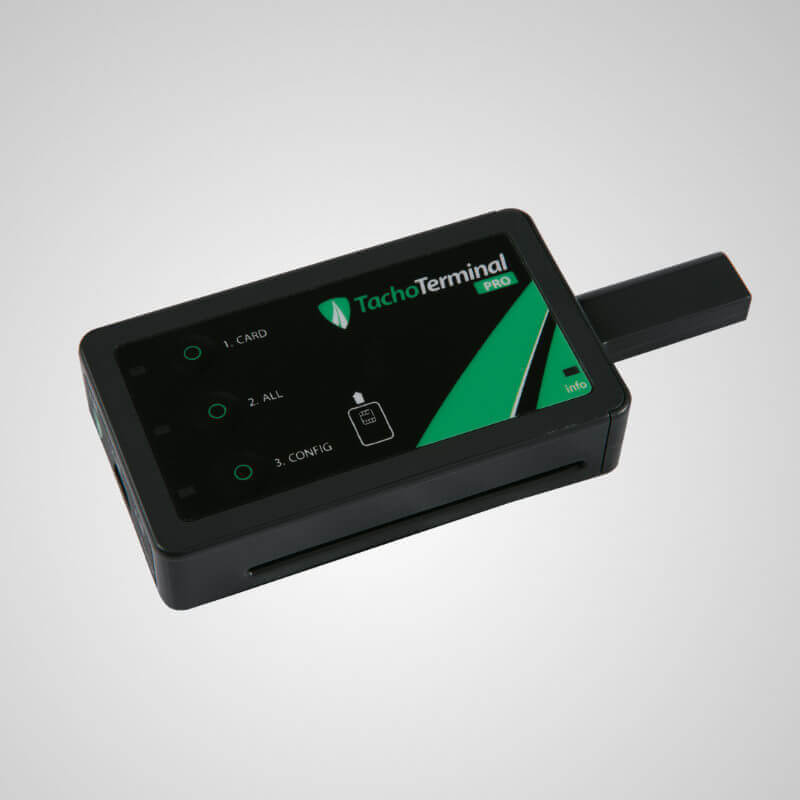
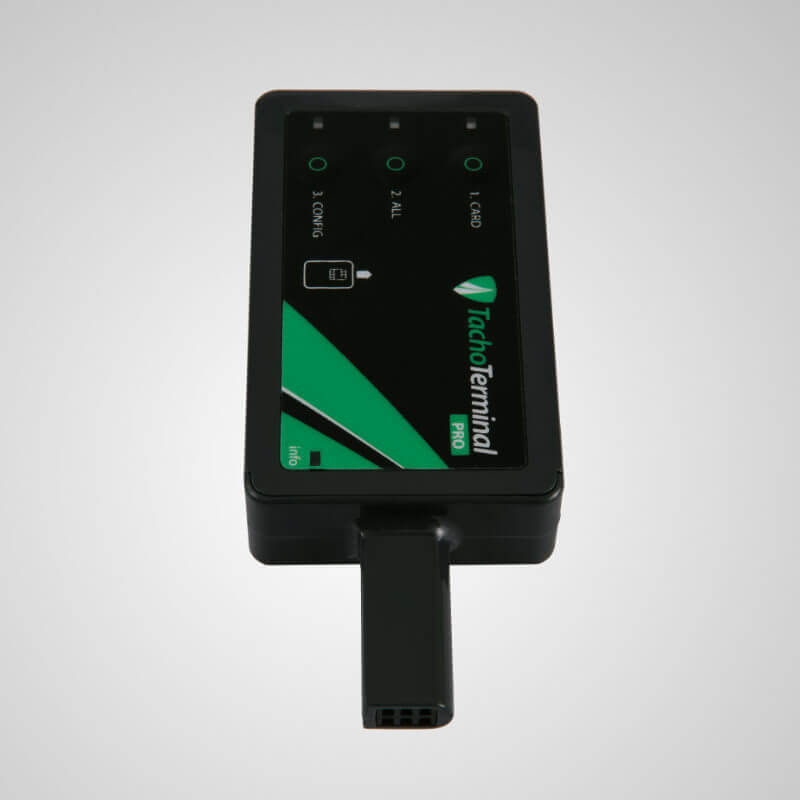
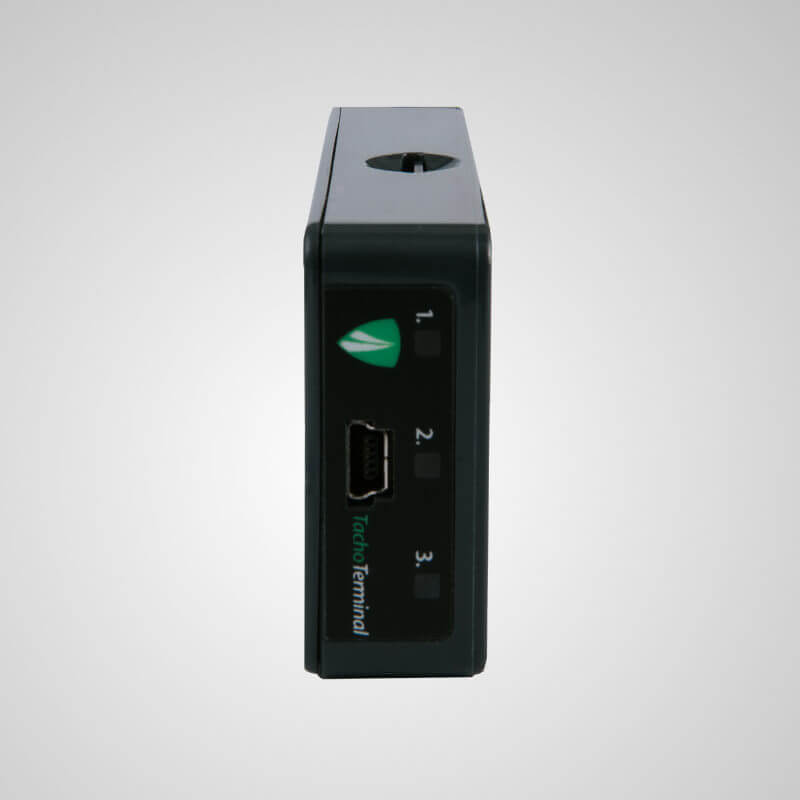
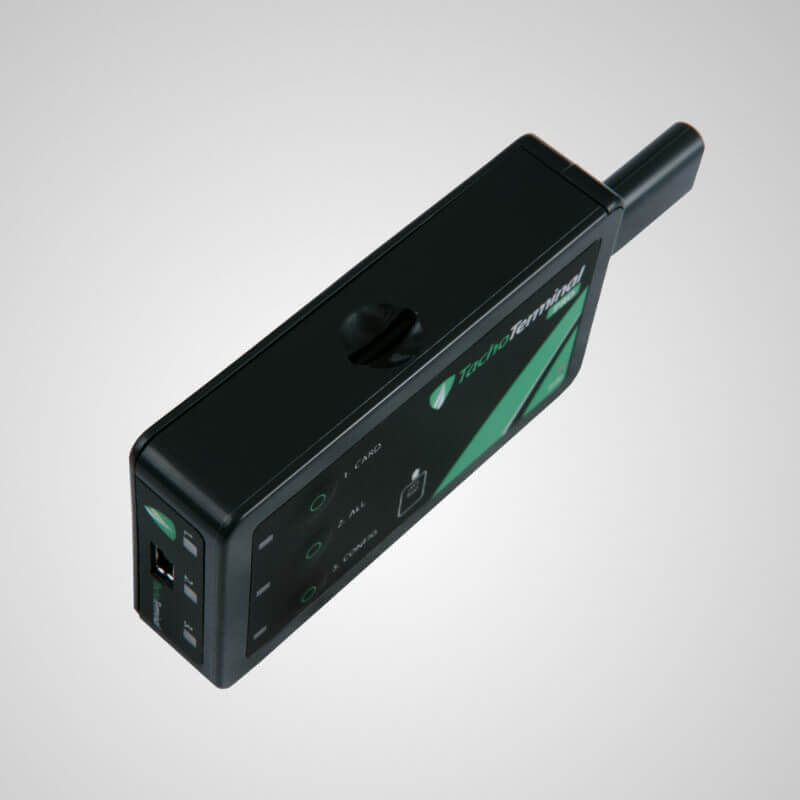
TachoTerminal Pro 2.
The best to work with Tachospeed.
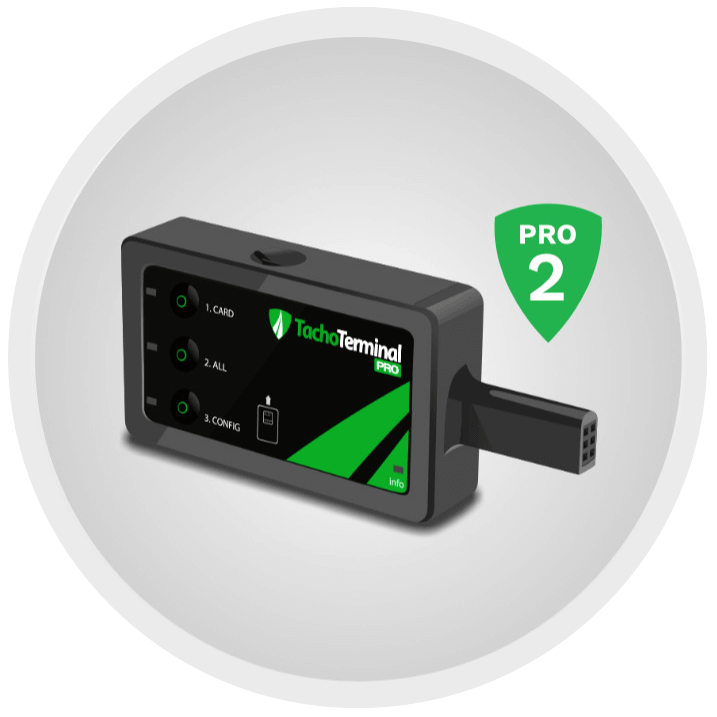
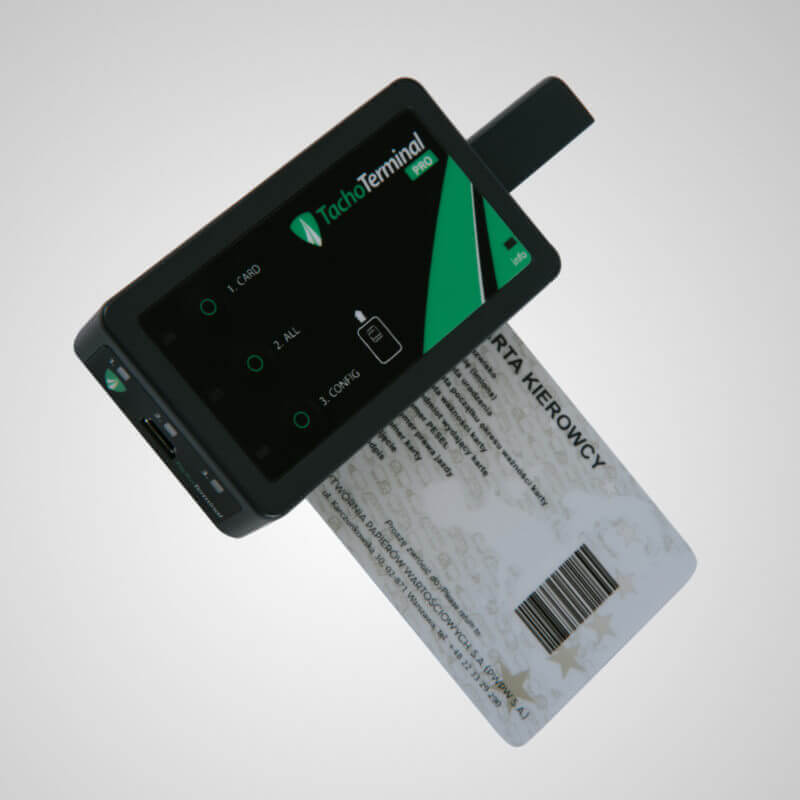
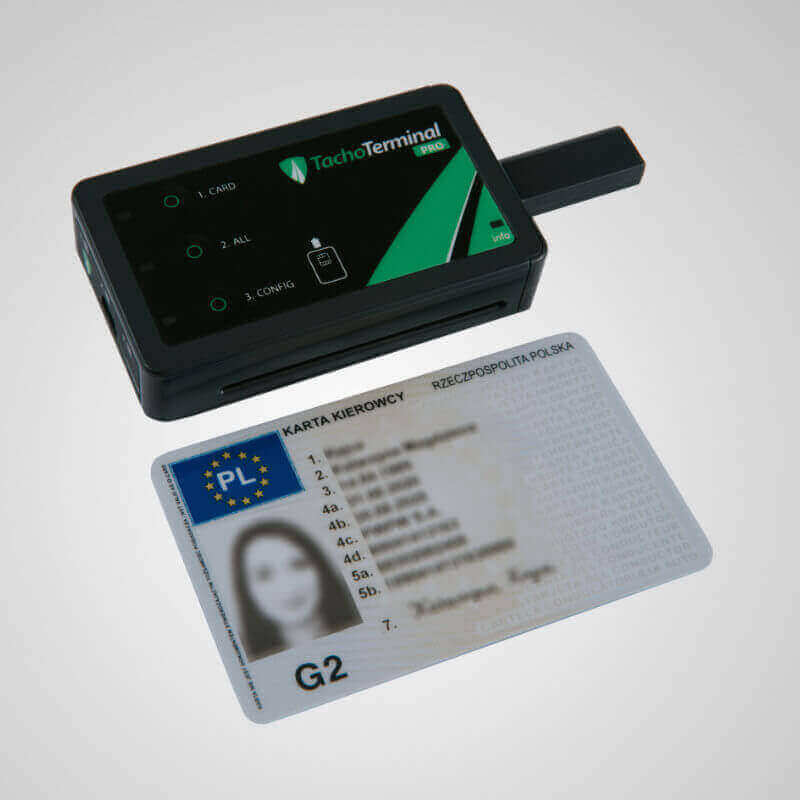
Ultra-fast device for downloading data from driver cards and the digital tachograph. Read your data in up to 12 seconds!
Universal download key for downloading data from digital tachographs and driver cards. TachoTerminal Pro 2 allows you to download data anywhere via an integrated smart card reader and its integrated power system. Driver cards data may be downloaded in two different ways: via digital tachograph and directly using a built-in driver card reader. While downloading data from driver card via a built-in reader it is not necessary to use an inspection or company card.
Small, lightweight and ergonomic, the TachoTerminal Pro 2 allows you to archive data with its removable 4GB microSD card, which can be used with a mobile phone for example.

Tachospeed is developed by Infolab, CORTE and Tachograph Forum member.
The Confederation of Organisations in Road Transport Enforcement (CORTE) based in Brussels is one of the largest and most knowledgeable road transport platforms at international level.
Tachograph Forum is a Commission Expert Group, lead by MOVE – DG Mobility and Transport. Assists the Commission in relation to the implementation of existing Union legislation, programmes and policies.